
Mouse & GazeGame
Mouse & GazeGame is an iPad app for practicing pointer devices such as mice, trackballs, and eye trackers. It supports a wide range of input methods, including eye tracking.
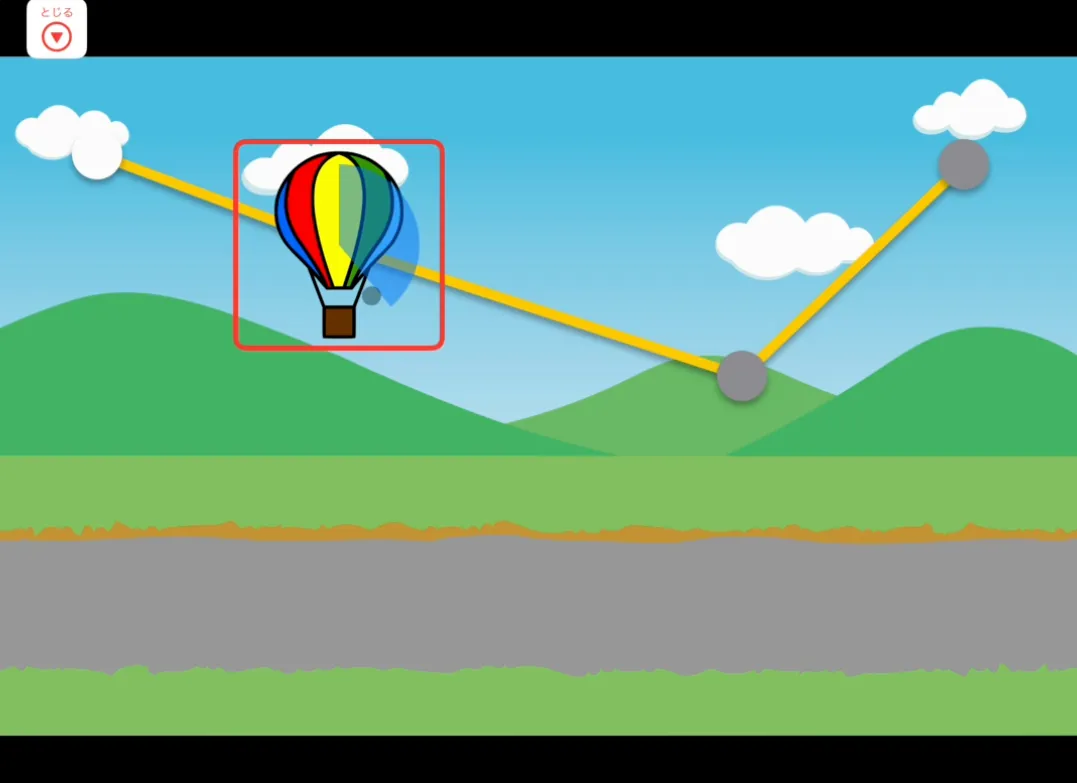
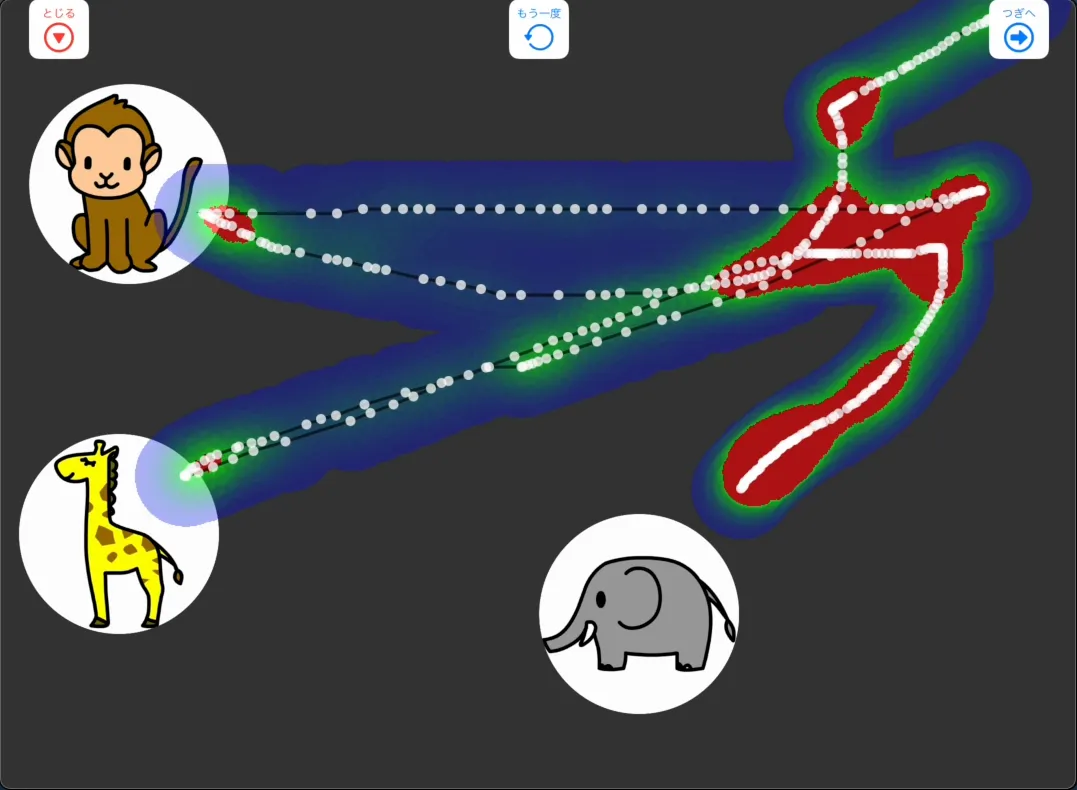
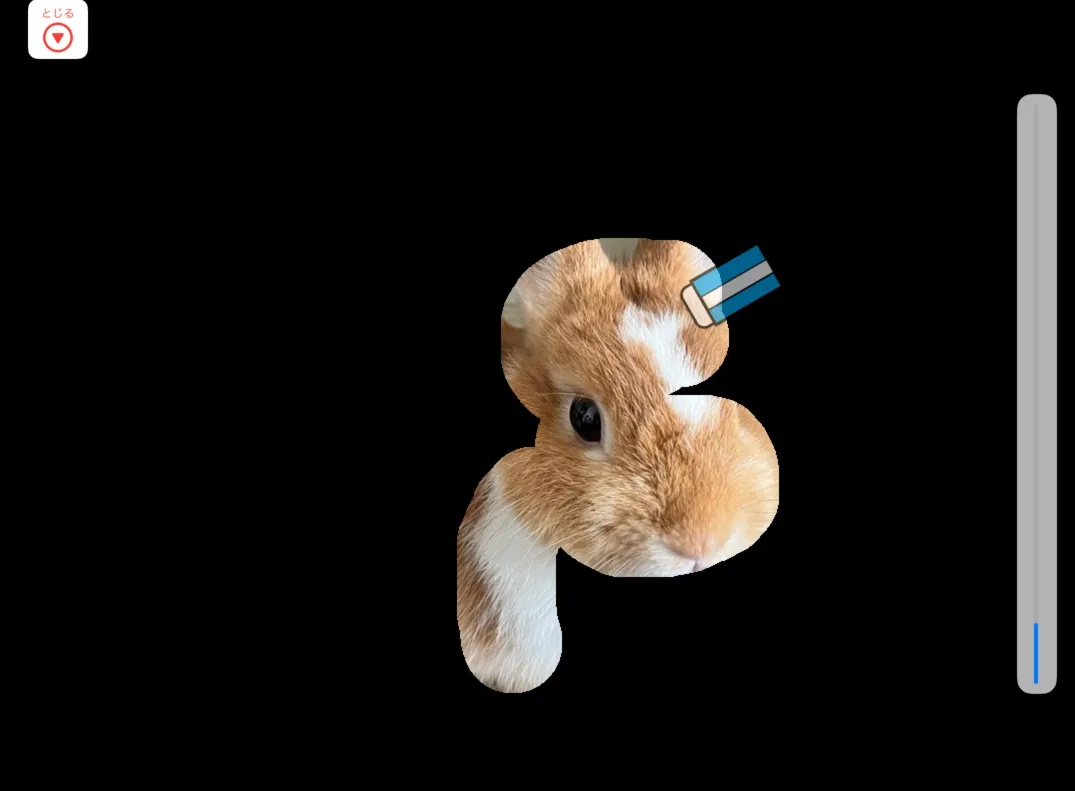
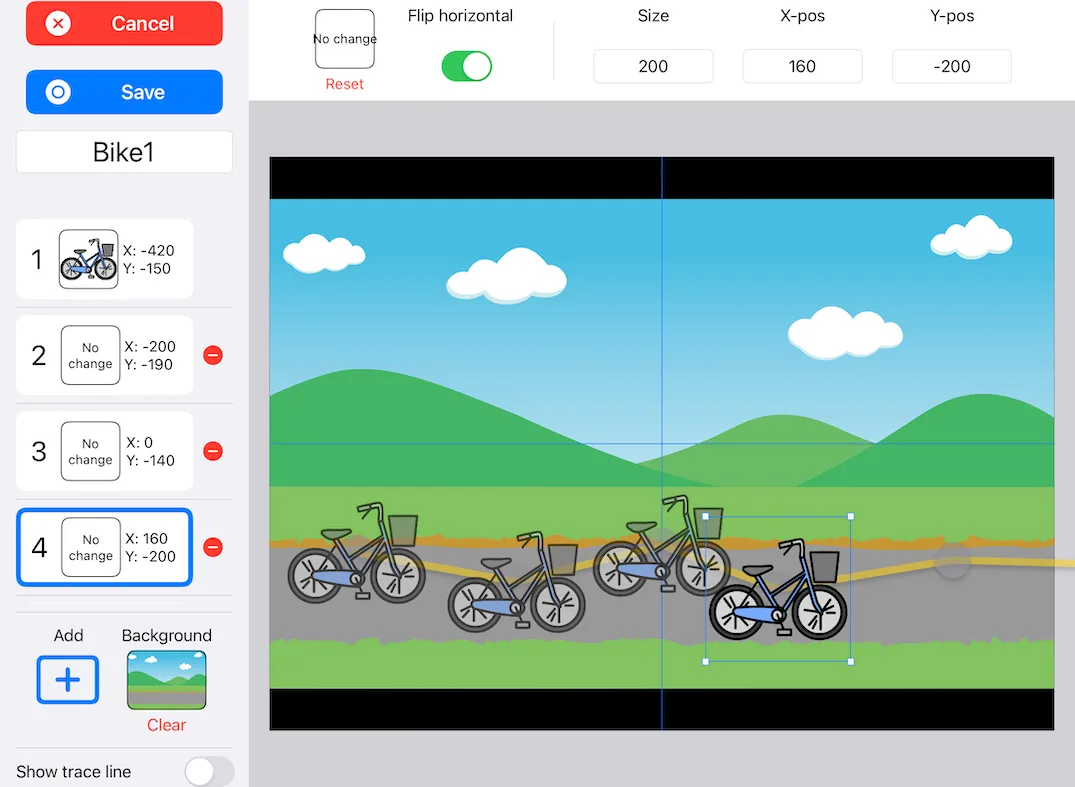
You can also customize game courses and background images.
Input Methods
Section titled “Input Methods”Mouse & GazeGame supports three input methods.
Use one finger directly on the iPad screen.
Pointer
Section titled “Pointer”Use a pointing device such as a mouse, trackball, or eye tracker.
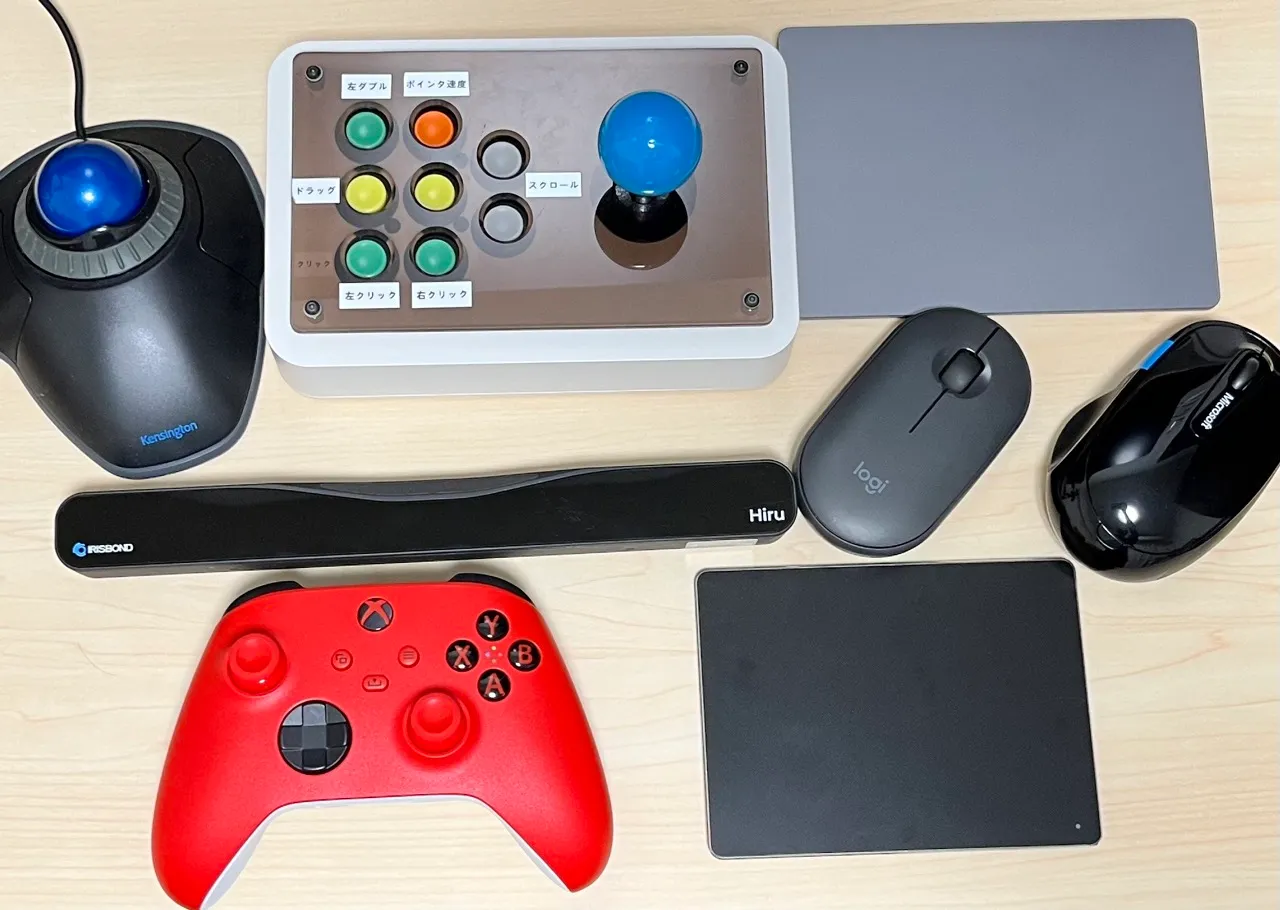
Tested devices include:
- Mouse
- Trackball
- Touchpad
- Joystick mouse
- Eye tracker
The app also supports the Gaze Tracking accessibility feature added in iPadOS 18. See the Gaze Tracking page for setup details.
Switch
Section titled “Switch”Works with HID switch interfaces that send keyboard key codes.
The app includes 7 mini-games (4 in Ver.1, 3 added in Ver.2).

| Game | Input |
|---|---|
| Eraser | T / P |
| Photos | T / S / P |
| Hide & Seek | T / P / P+S |
| Drive | T / S / P / P+S |
| Sticker | T / P / P+S |
| Demon Buster | T / S / P / P+S |
| Scan | T / S |
Key: T = Touch, S = Switch, P = Pointer, P+S = Pointer + Switch