Photos
Browse photos by swiping left and right — just like the iPad Photos app. Simple controls make it a good choice for introducing pointer or switch devices.

How to Play
Section titled “How to Play”Swipe left or right to change photos. You can also tap the left and right buttons on the edges of the screen.
Switch
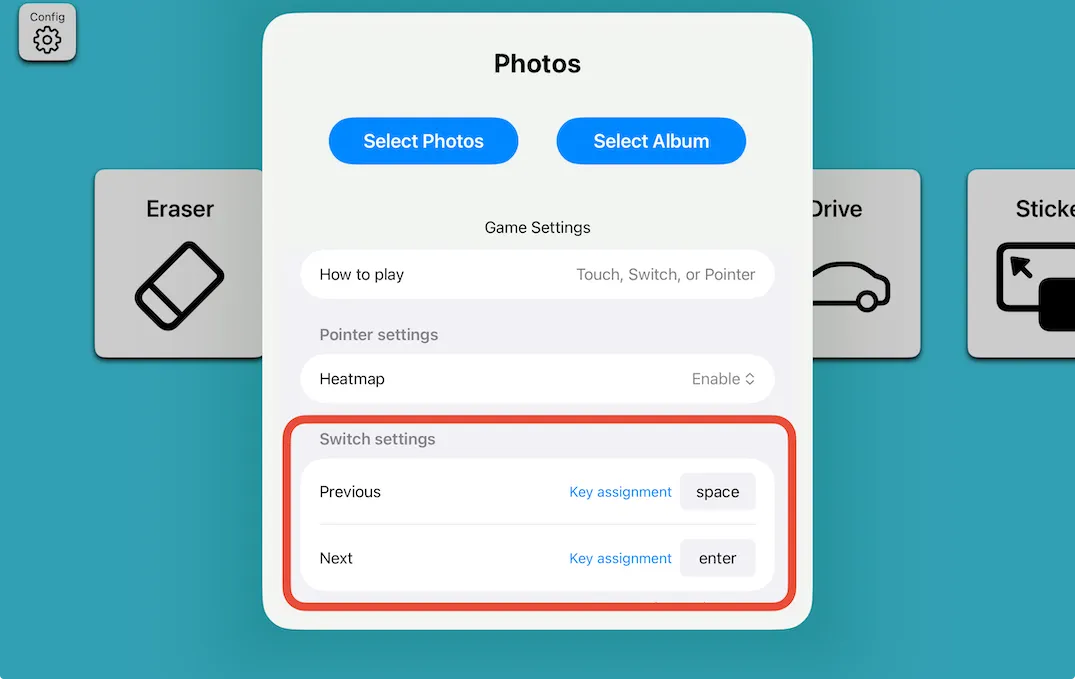
Section titled “Switch”Use two switches — one for the next photo, one for the previous photo. The default keys are Space and Enter. You can change these in settings.
Pointer
Section titled “Pointer”Move the pointer over the left or right button on the edge of the screen. No clicking needed (mouse-over operation).
Heatmap
Section titled “Heatmap”After playing with a pointer, you can view a heatmap showing where the pointer moved.

Selecting Photos
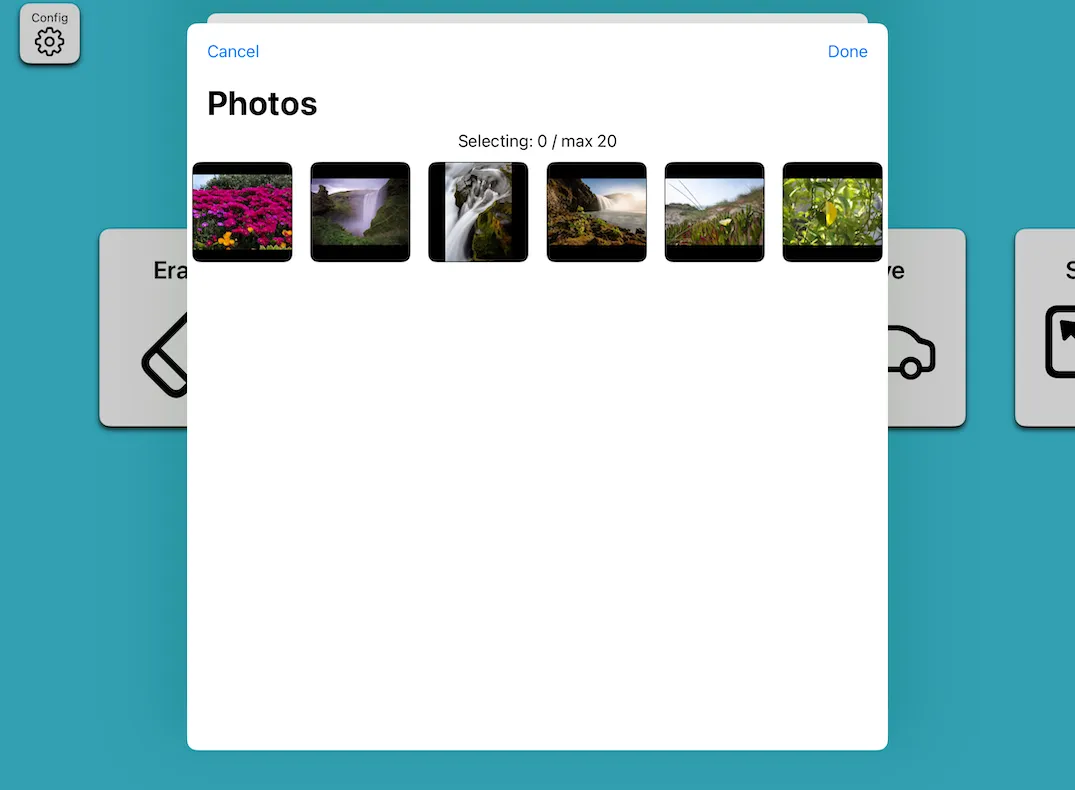
Section titled “Selecting Photos”Choose photos from your Photo Library. You can select up to 20 photos individually, or select a whole album.