Sticker
Move an illustration to the matching target — a classic matching activity.
How to Play
Section titled “How to Play”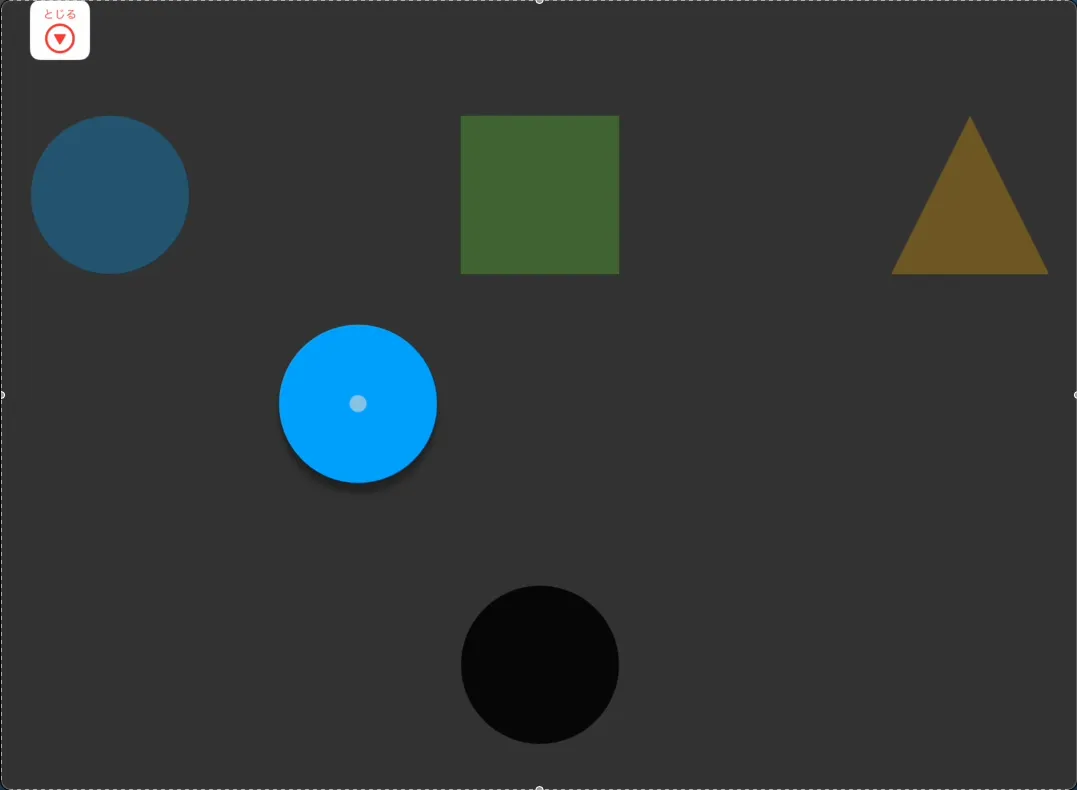
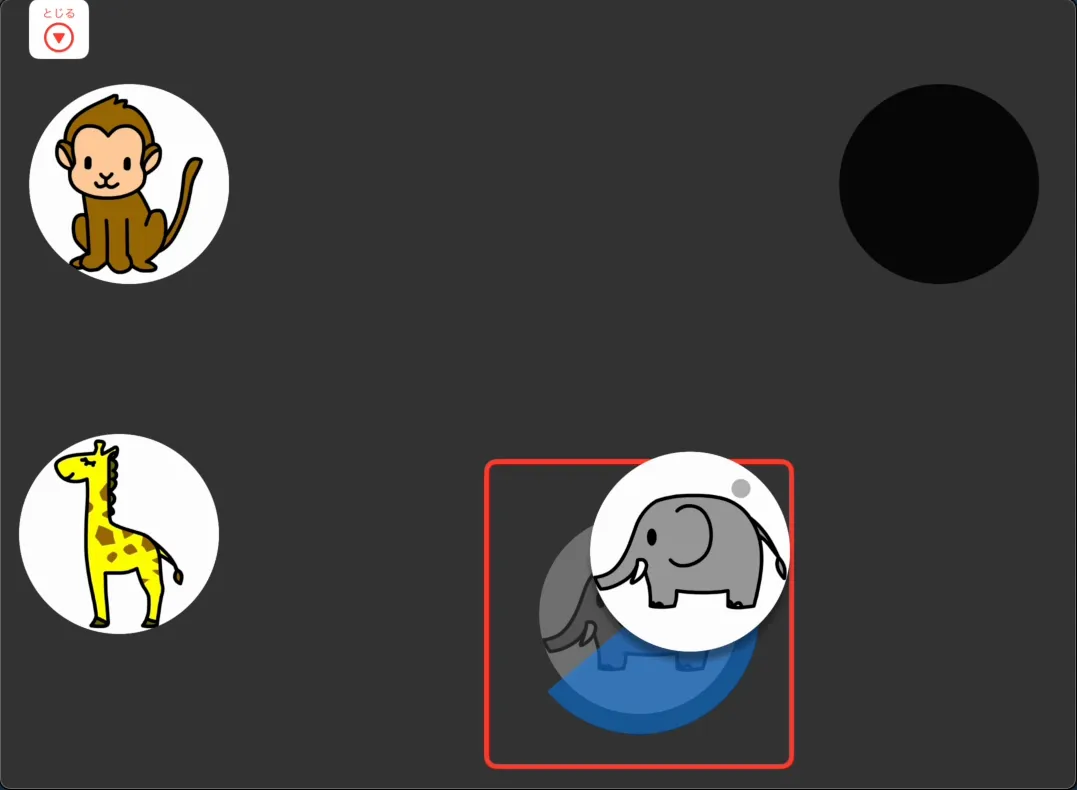
Playing this game involves two steps: carrying the illustration and placing it.
Touch the illustration and drag it (without lifting your finger) to the target, then release. When the match is correct, the illustration snaps into place.
Pointer
Section titled “Pointer”Carrying: Move the pointer over the illustration — it follows the pointer automatically (mouse-over).
Placing: Move the illustration to the target and hold the pointer still (dwell). The illustration snaps into place after a short pause.
Pointer + Switch
Section titled “Pointer + Switch”Choose how to carry the illustration:
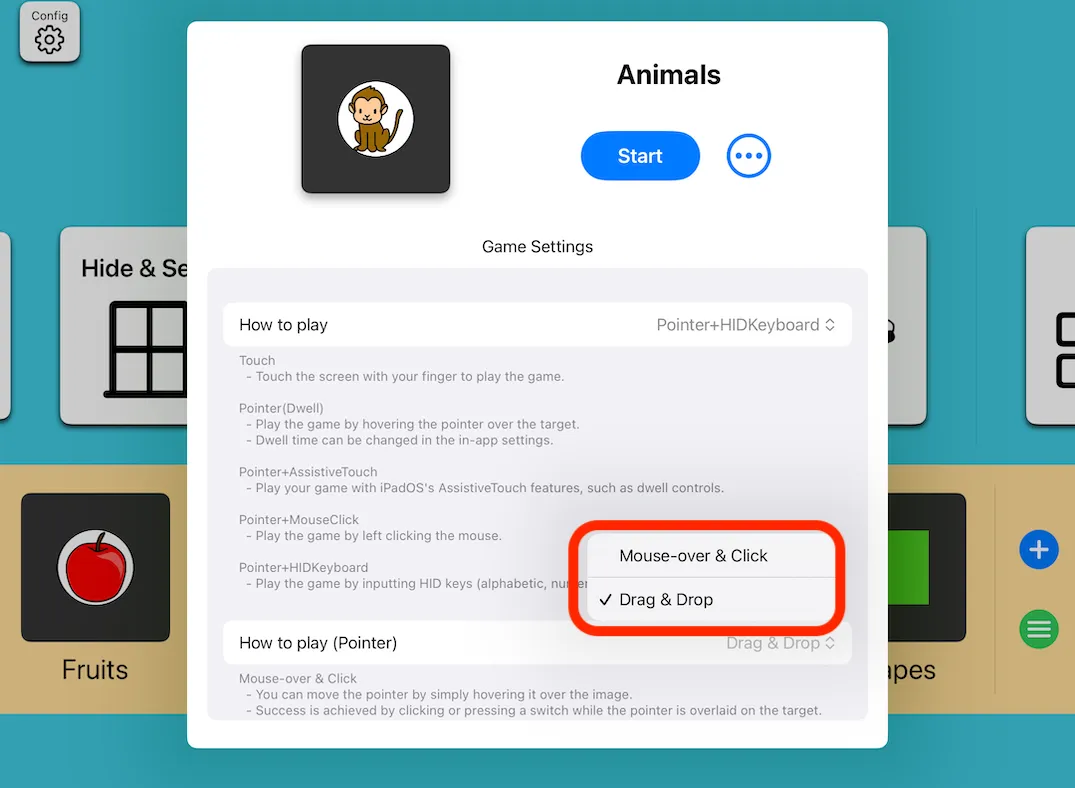
- Mouse-over: The illustration follows the pointer automatically. Press the switch to place it at the target.
- Drag & Drop: Hold the switch while moving the illustration. Release the switch at the target to place it.
Mouse-over works better when long-pressing is difficult, or when using eye tracking.
Editing the Course
Section titled “Editing the Course”You can add or change the illustrations and target positions.
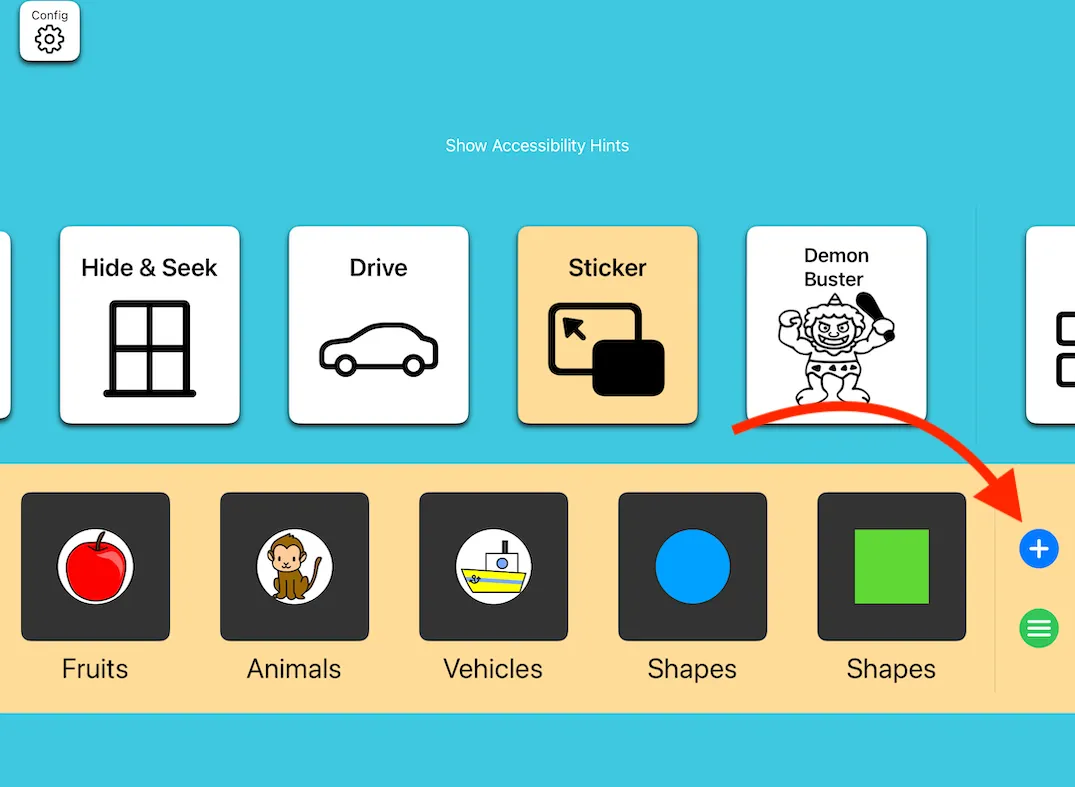
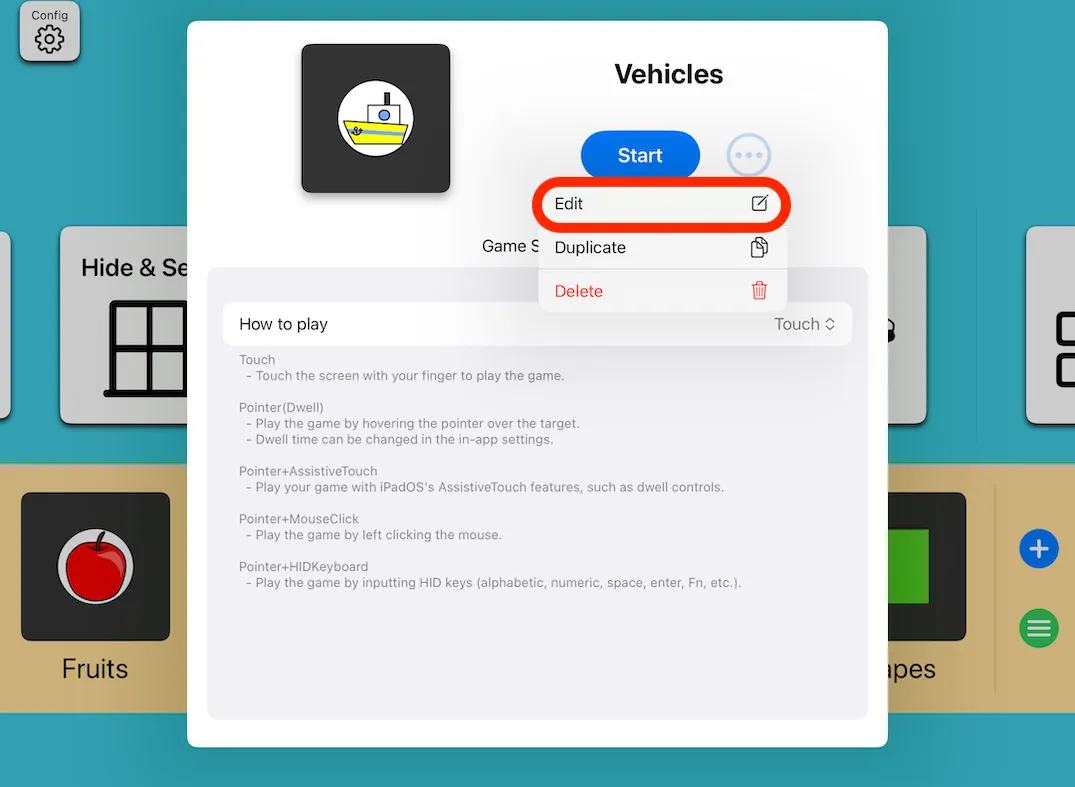
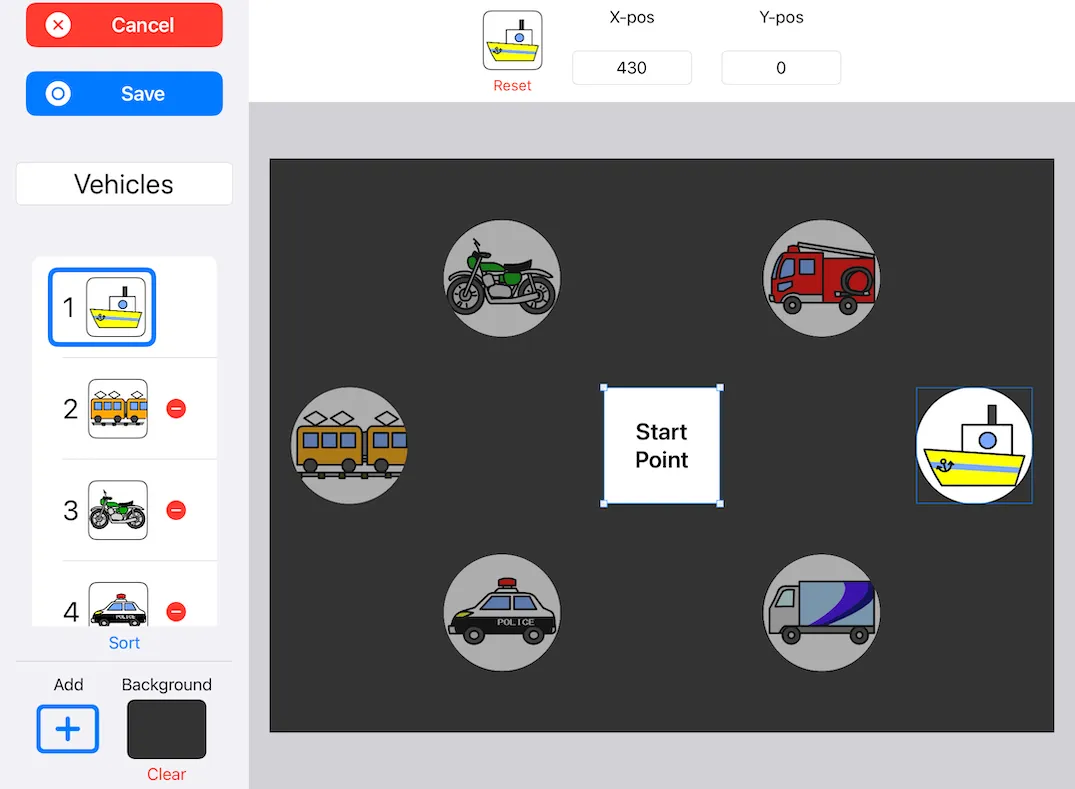
- Tap the Add (+) button to add illustrations.
- Changing the start position size also changes the illustration size.
Heatmap
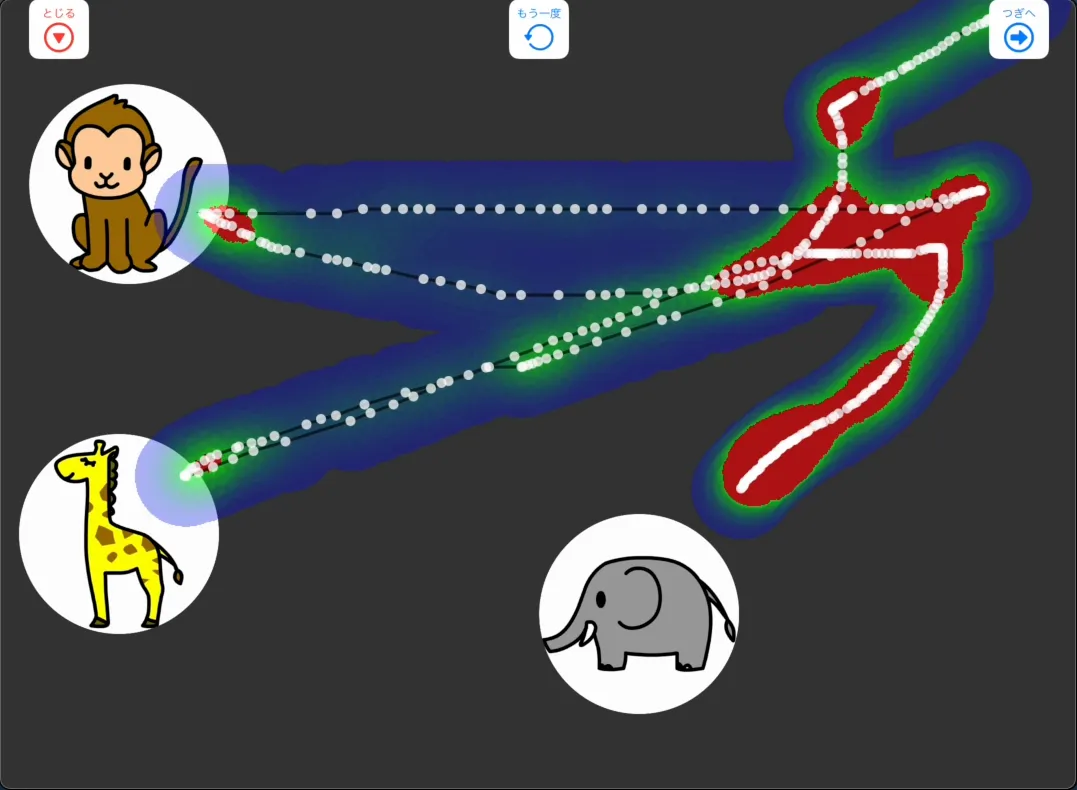
Section titled “Heatmap”After playing with a pointer, you can view a heatmap showing where the pointer moved.