
Hide & Seek
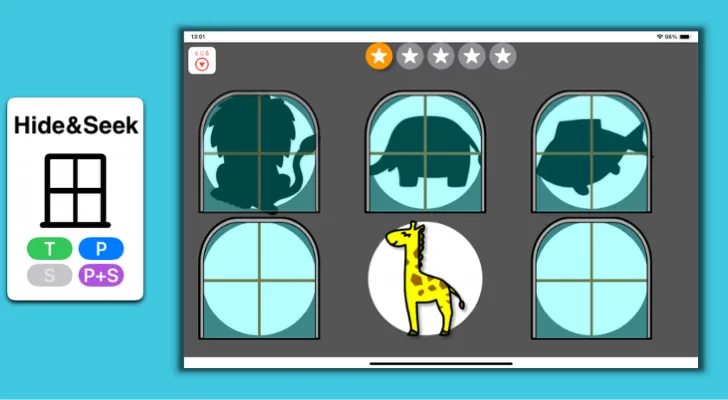
Select the silhouettes that pop up in the windows one after another. Think of it like a whack-a-mole game.
How to Play
Section titled “How to Play”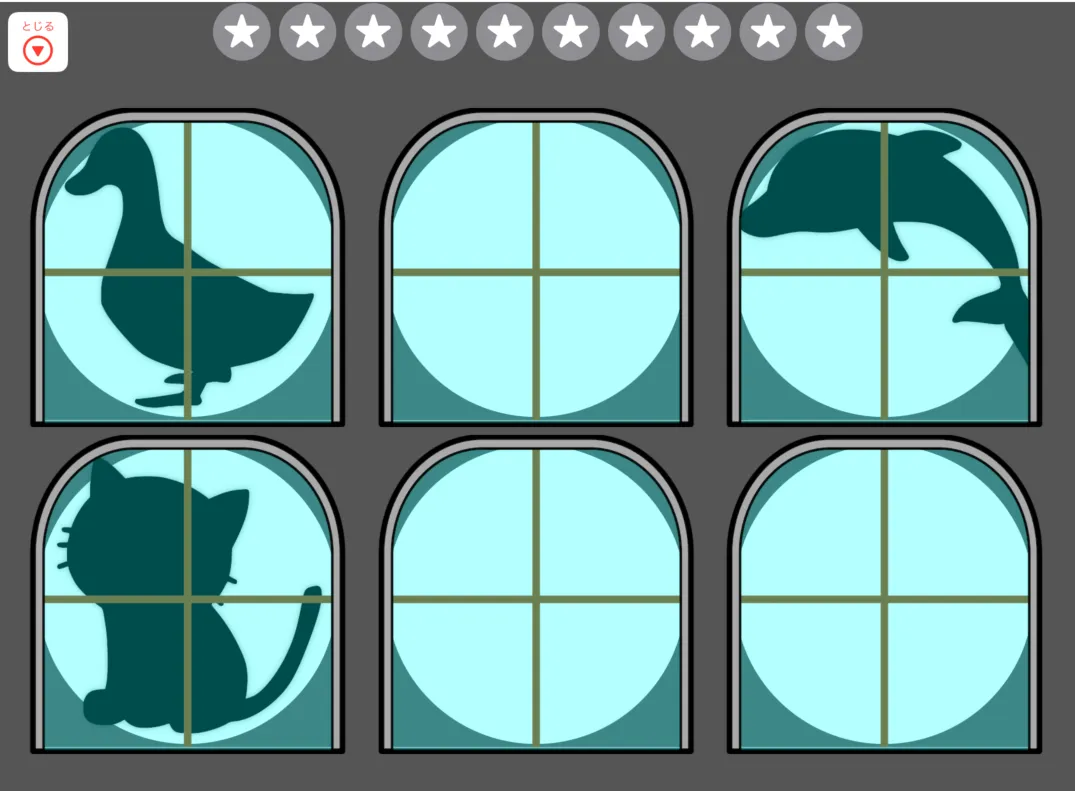
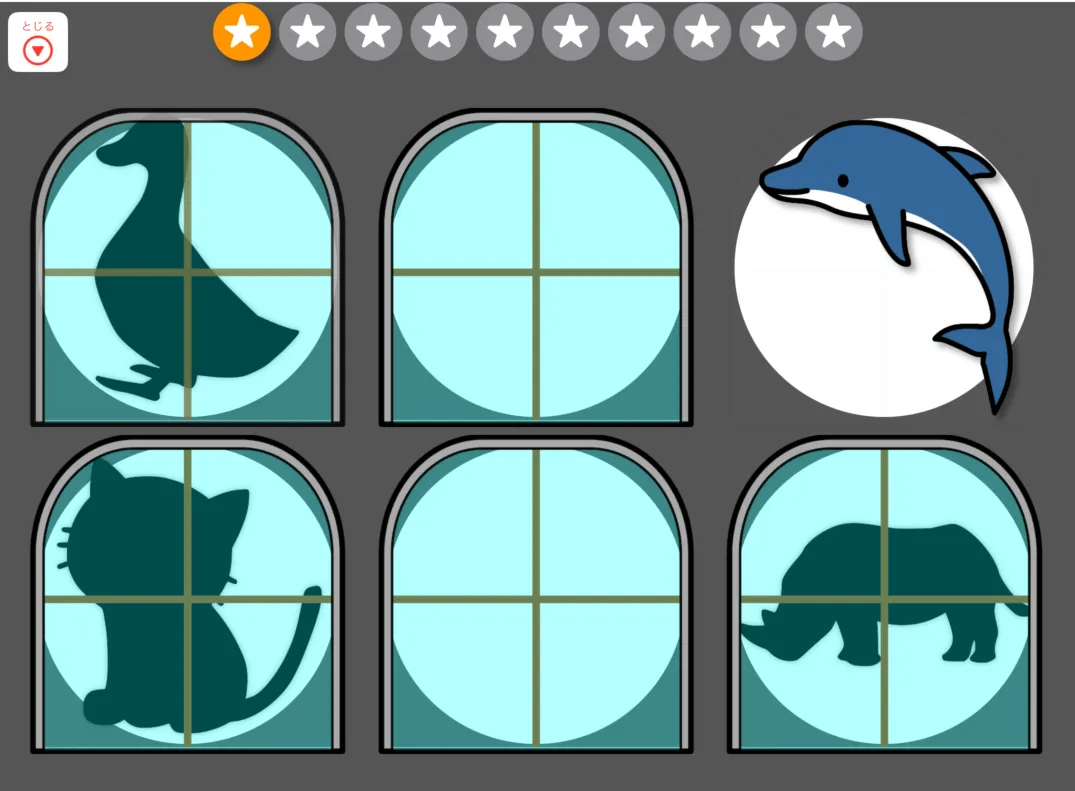
Tap the silhouette when it appears.
Pointer
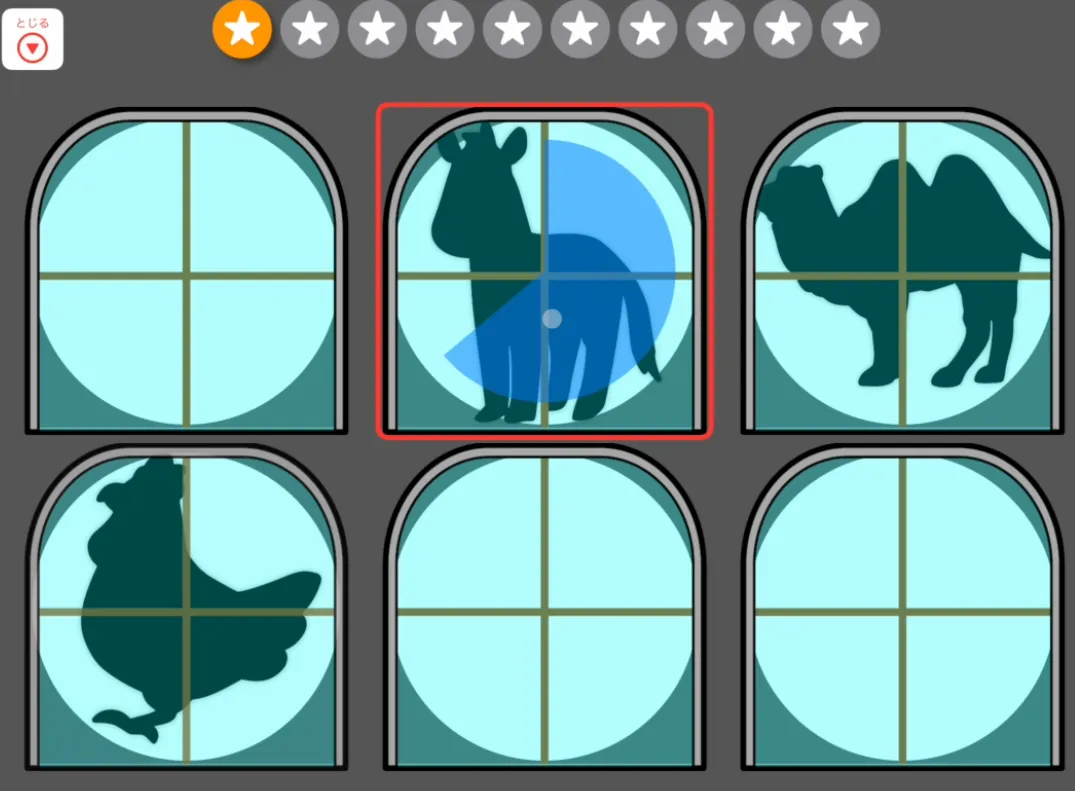
Section titled “Pointer”Move the pointer over the silhouette and hold it there — this is called dwell. After a short time, the target is selected.
This is similar to “gaze fixation” in eye-tracking systems.
Pointer + Switch
Section titled “Pointer + Switch”Move the pointer over the silhouette, then press the switch to select it.
Adding or Changing Images
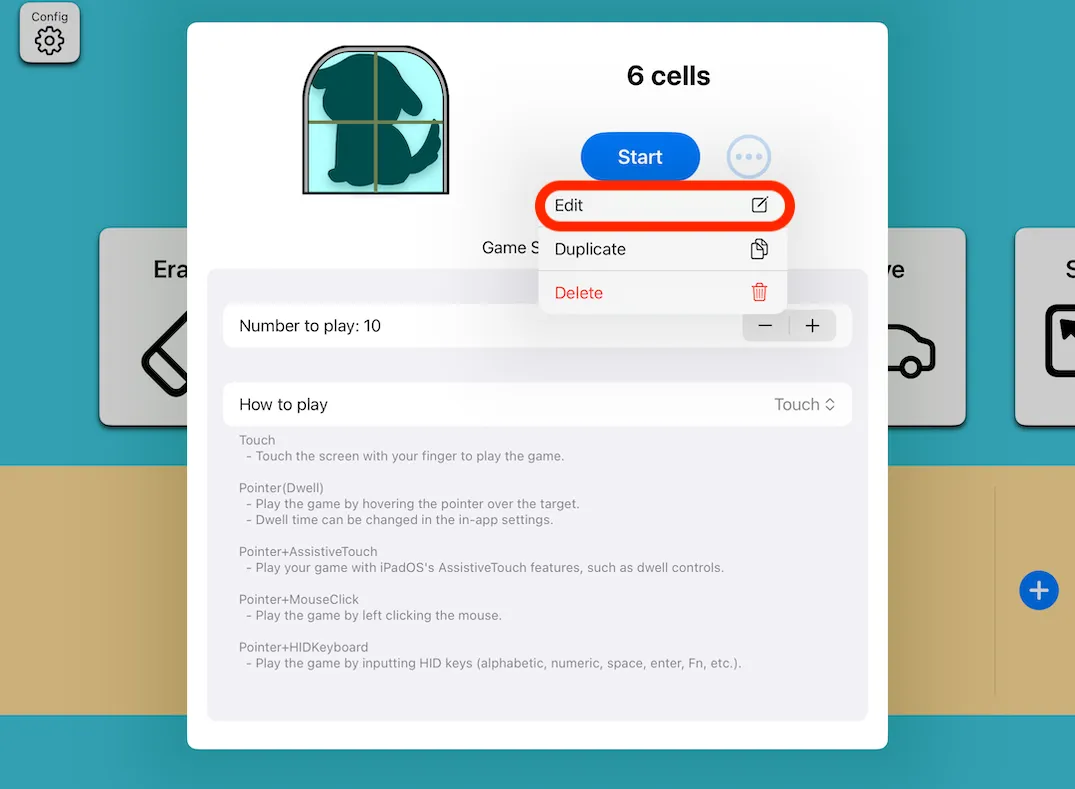
Section titled “Adding or Changing Images”You can add or change the silhouette images. Images with a transparent background work best.
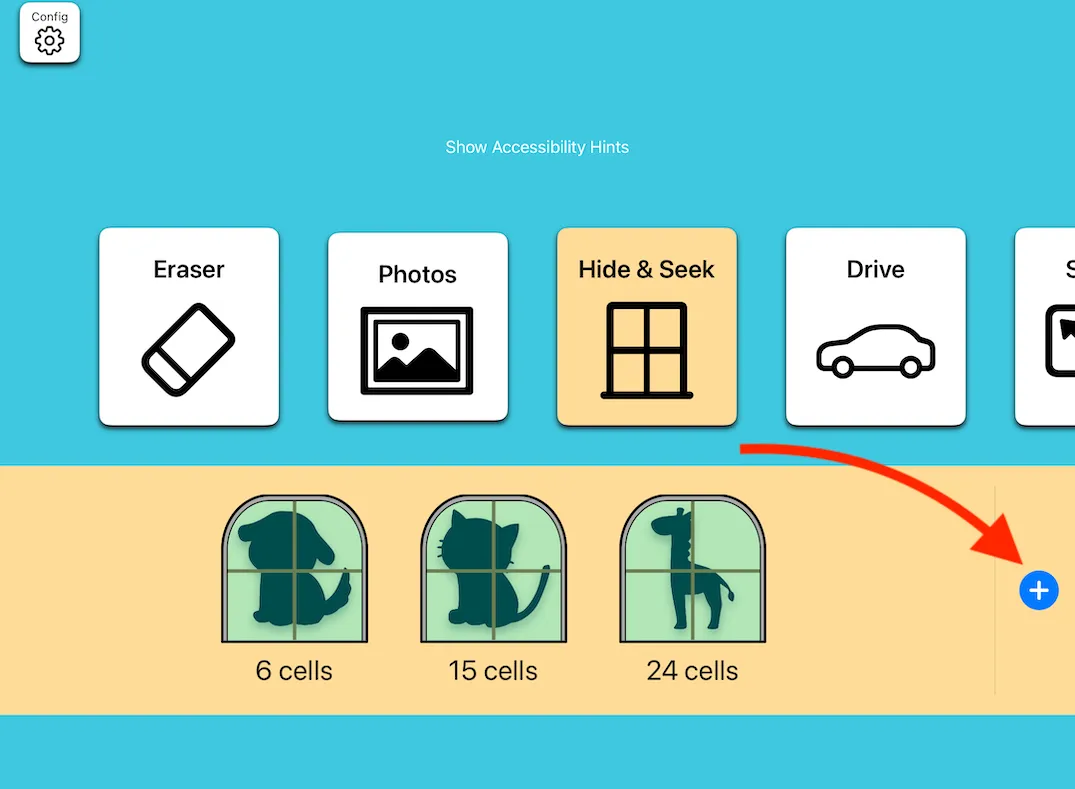
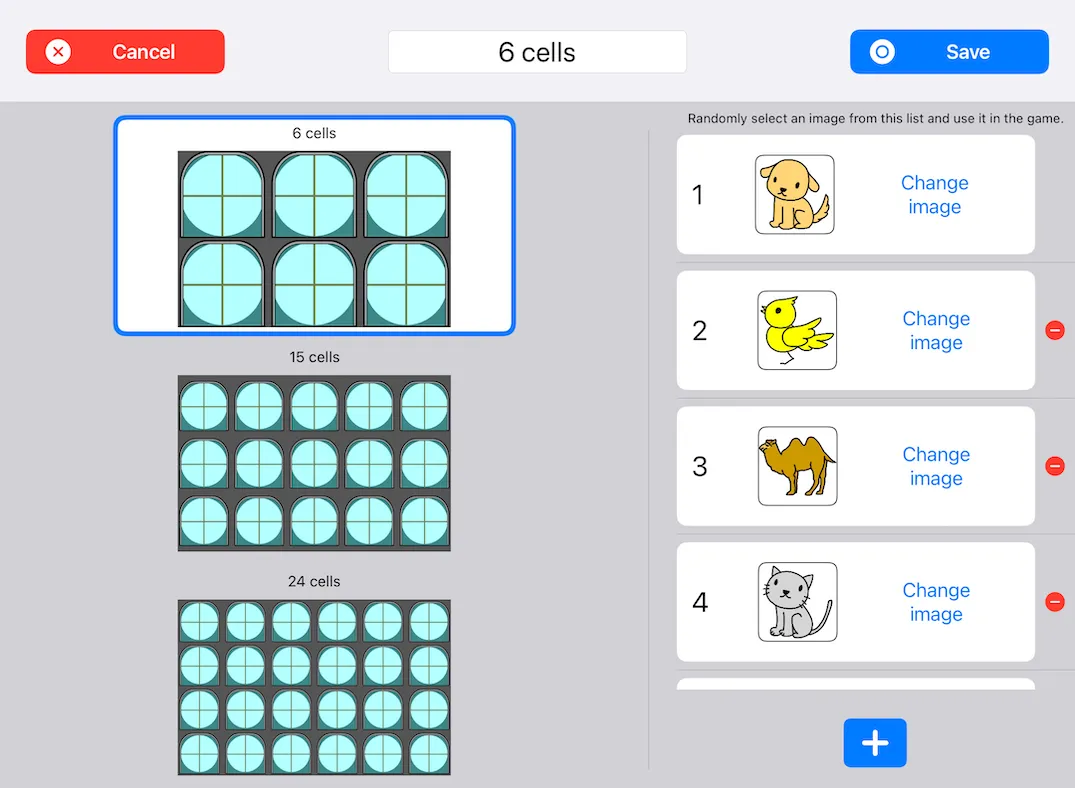
- You can choose between 6, 15, or 24 window divisions.