
Scan
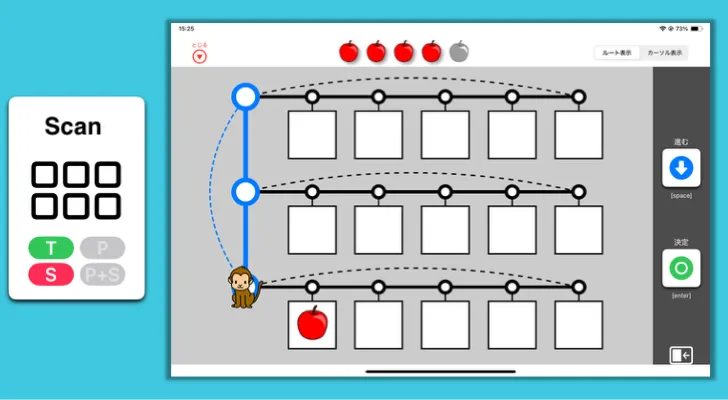
The only game in Mouse & GazeGame that does not use a pointer. Practice the cursor navigation used in iPadOS Switch Control.
Overview
Section titled “Overview”iPadOS Switch Control lets you navigate your iPad using a cursor rather than touch. This game helps you practice that cursor movement in a simple, game-like environment.
Settings
Section titled “Settings”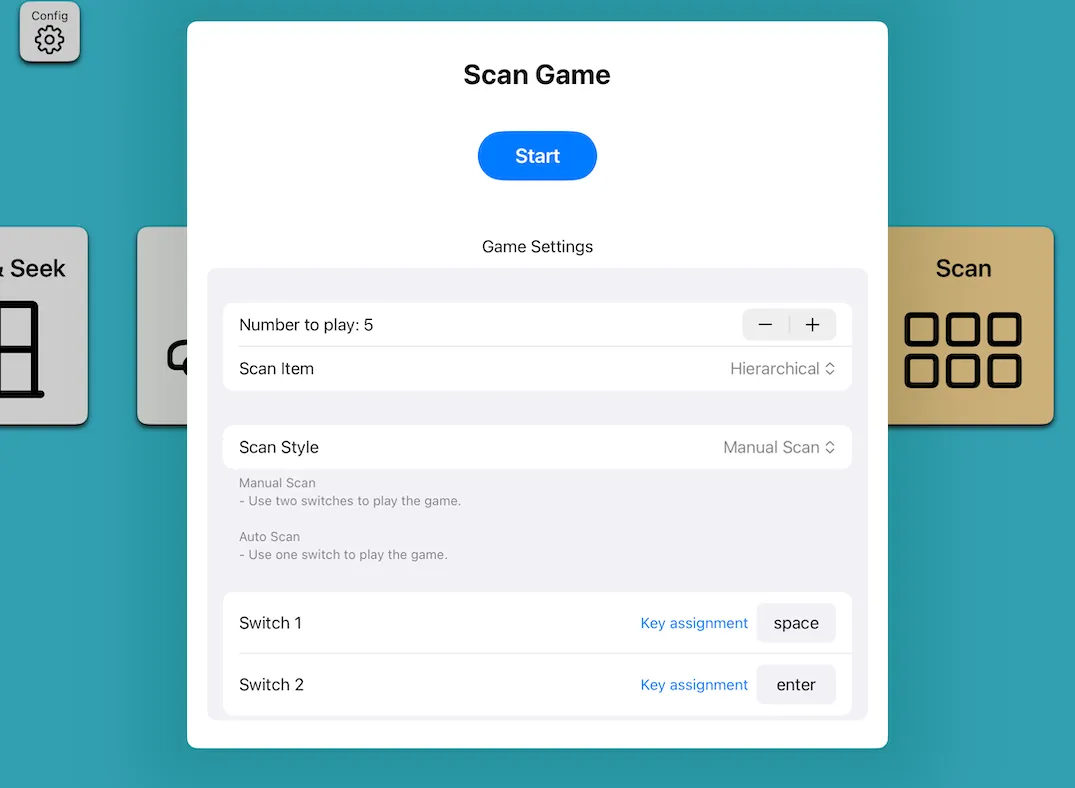
| Setting | Description |
|---|---|
| Target count | Number of correct scans needed (3–10) |
| Scan items | Hierarchical / Simple |
| Scan method | Step scan (2 switches) / Auto scan (1 switch) |
| Key assignment | Configurable for step scan |
Scan Items
Section titled “Scan Items”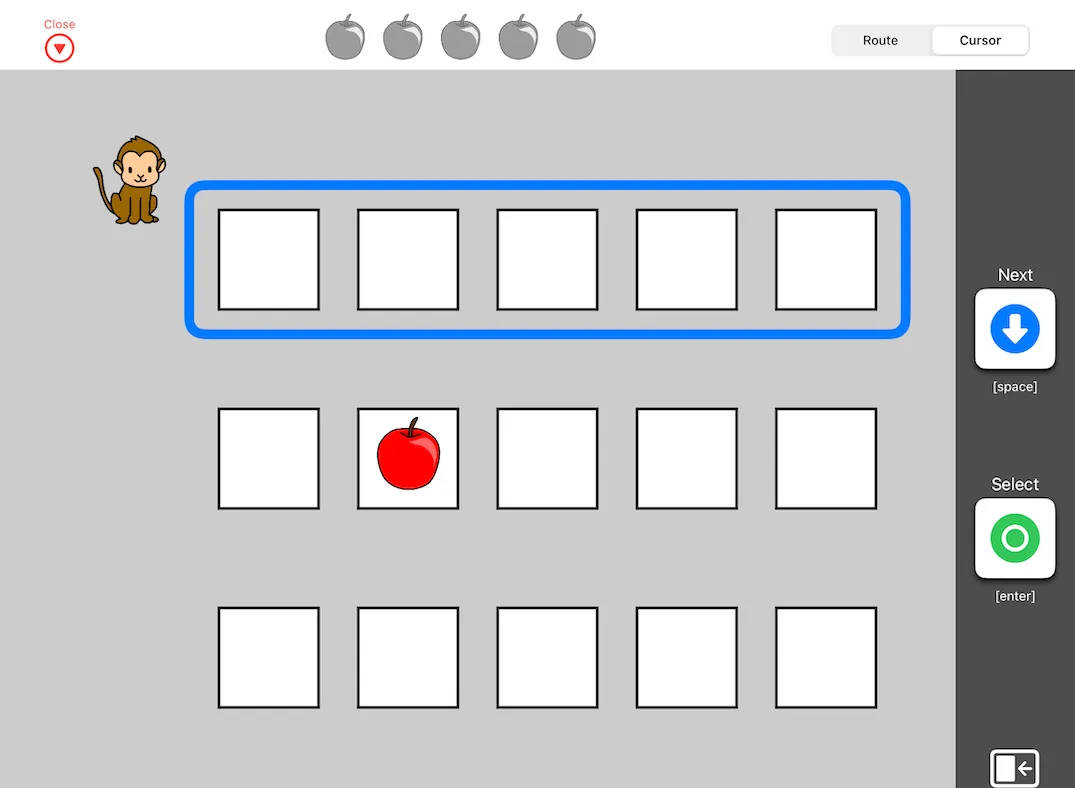
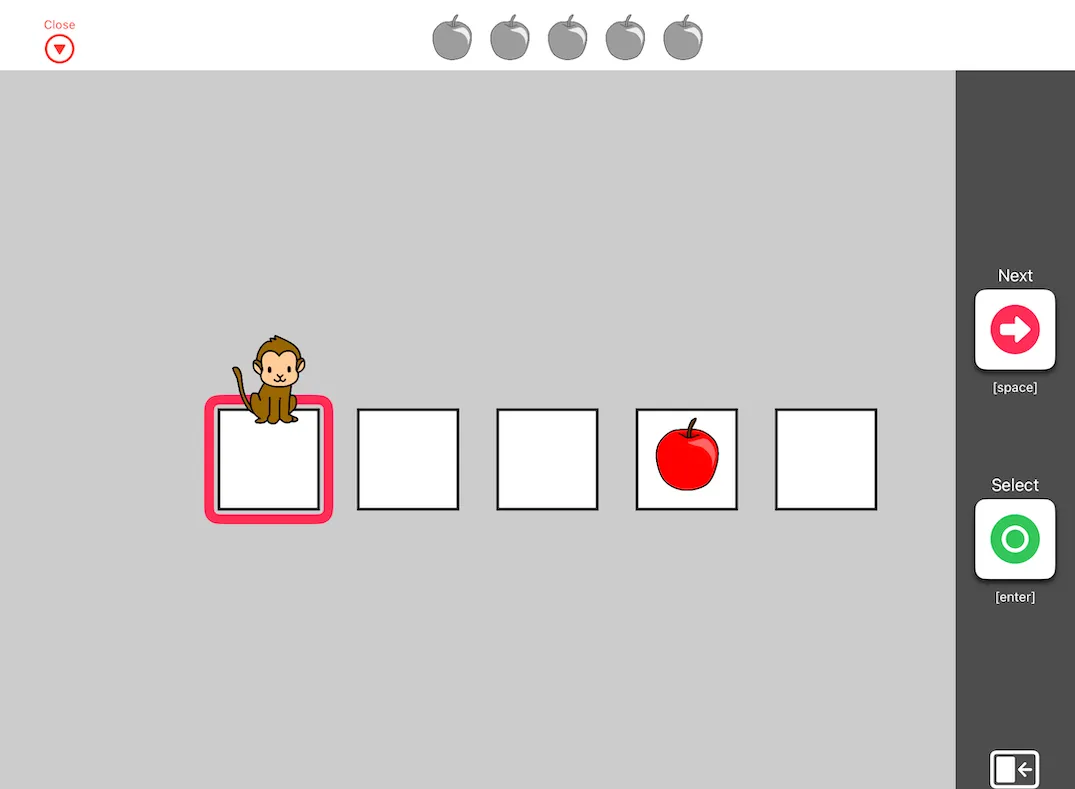
- Hierarchical: Similar to iPadOS Switch Control layout
- Simple: Select items directly without hierarchy
How to Play
Section titled “How to Play”Use switches to move the cursor and guide the monkey to the apple. Select the apple’s location to complete each round.
Display Modes
Section titled “Display Modes”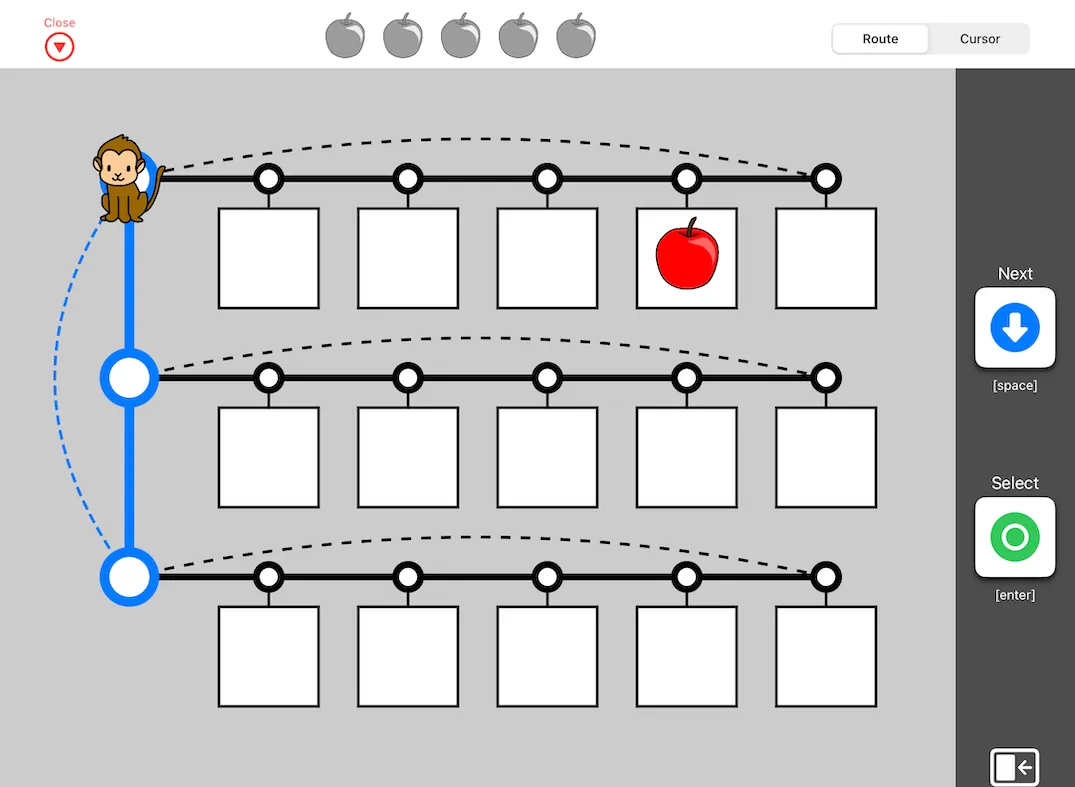
- Route display: Shows the monkey’s path clearly
- Cursor display: Similar to the iPadOS Switch Control appearance
- In iPadOS Switch Control terminology: Step scan = Manual Highlight, Auto scan = Auto Highlight.