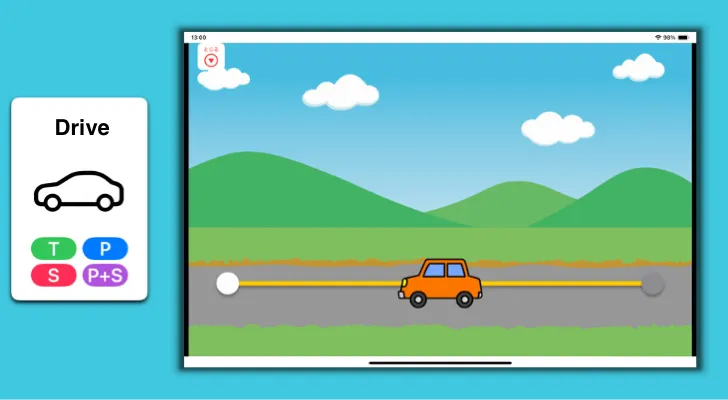
Drive
Tap the illustration and it moves to a new spot. Keep tapping to drive it along.
How to Play
Section titled “How to Play”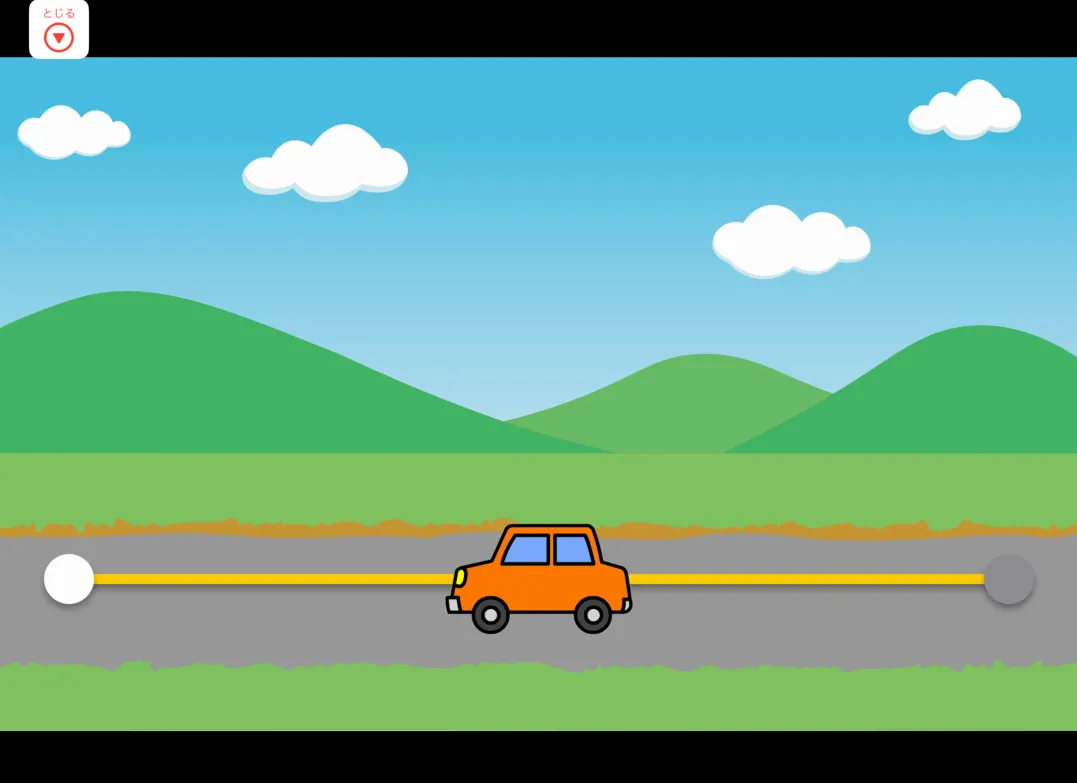
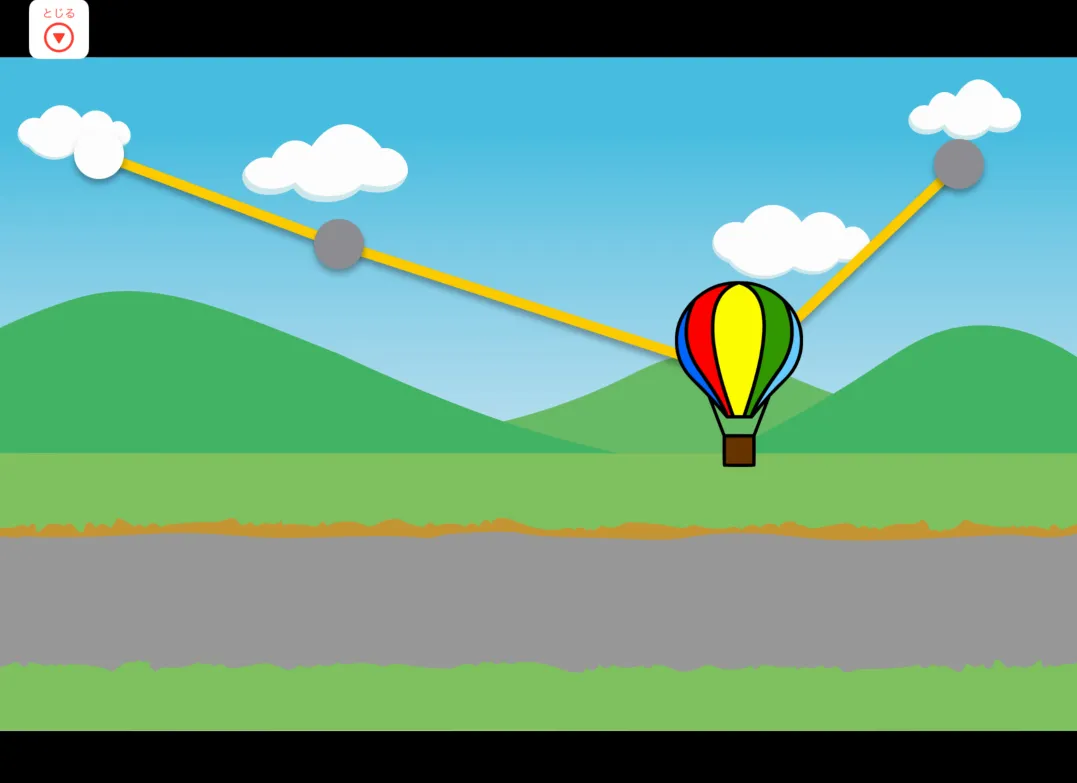
Tap the illustration to move it.
Switch
Section titled “Switch”Press the switch to move the illustration. No pointer or timing required — just press the switch.
Pointer
Section titled “Pointer”Move the pointer over the illustration and hold it there (dwell operation). The illustration moves after a short pause.
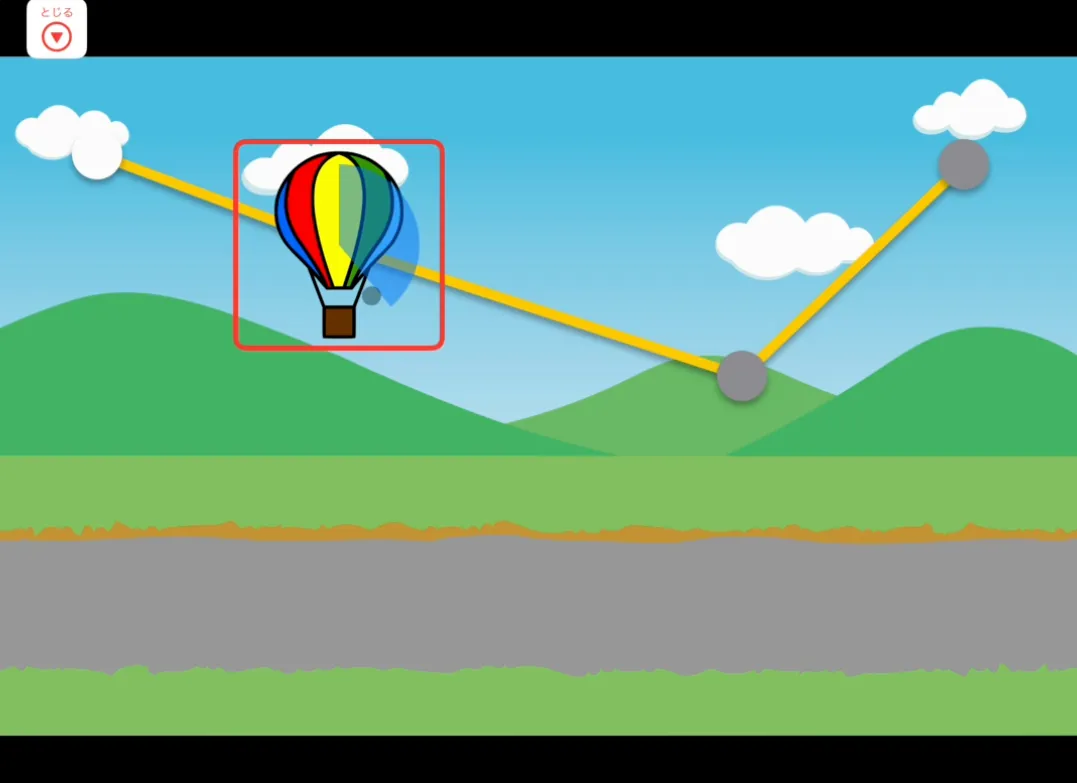
Pointer + Switch
Section titled “Pointer + Switch”Move the pointer over the illustration, then press the switch.
Editing the Course
Section titled “Editing the Course”You can add or change the illustrations and course waypoints.
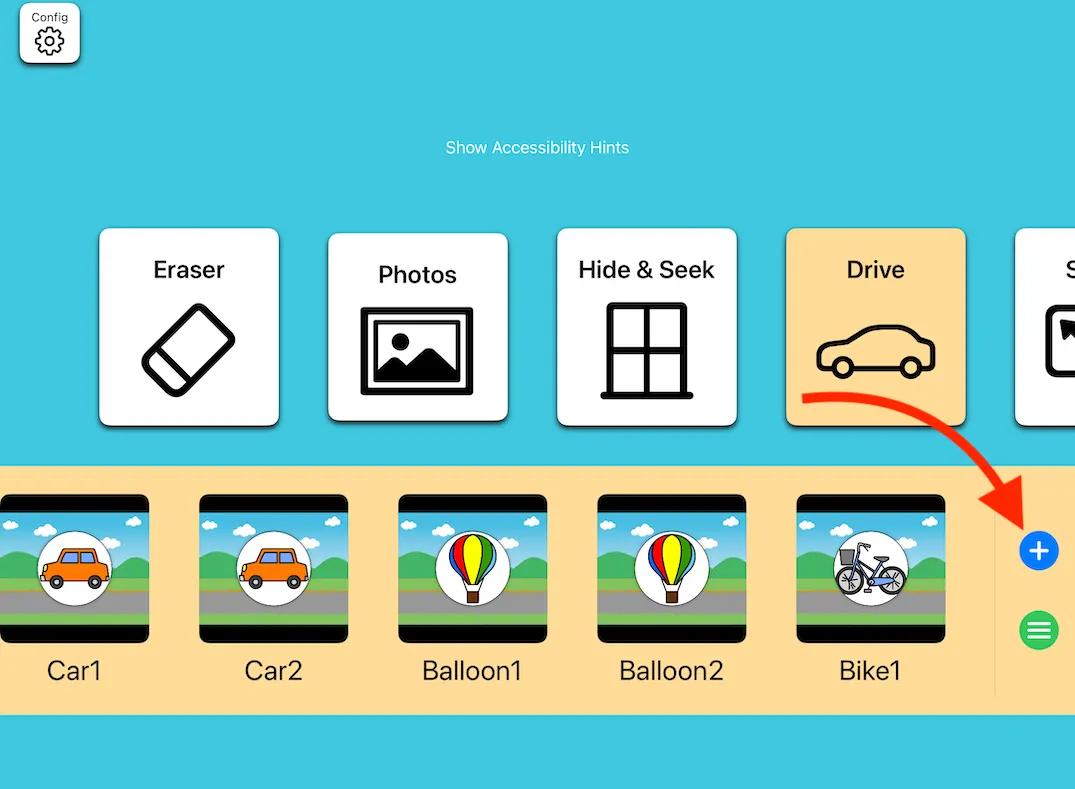
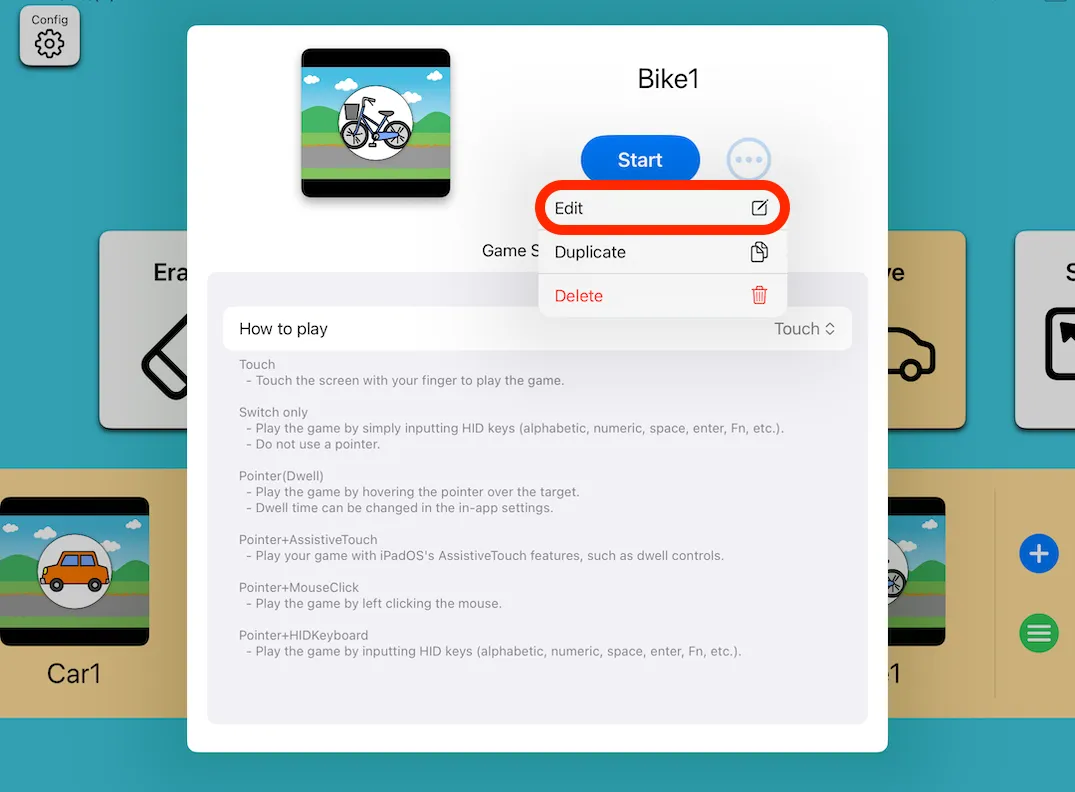
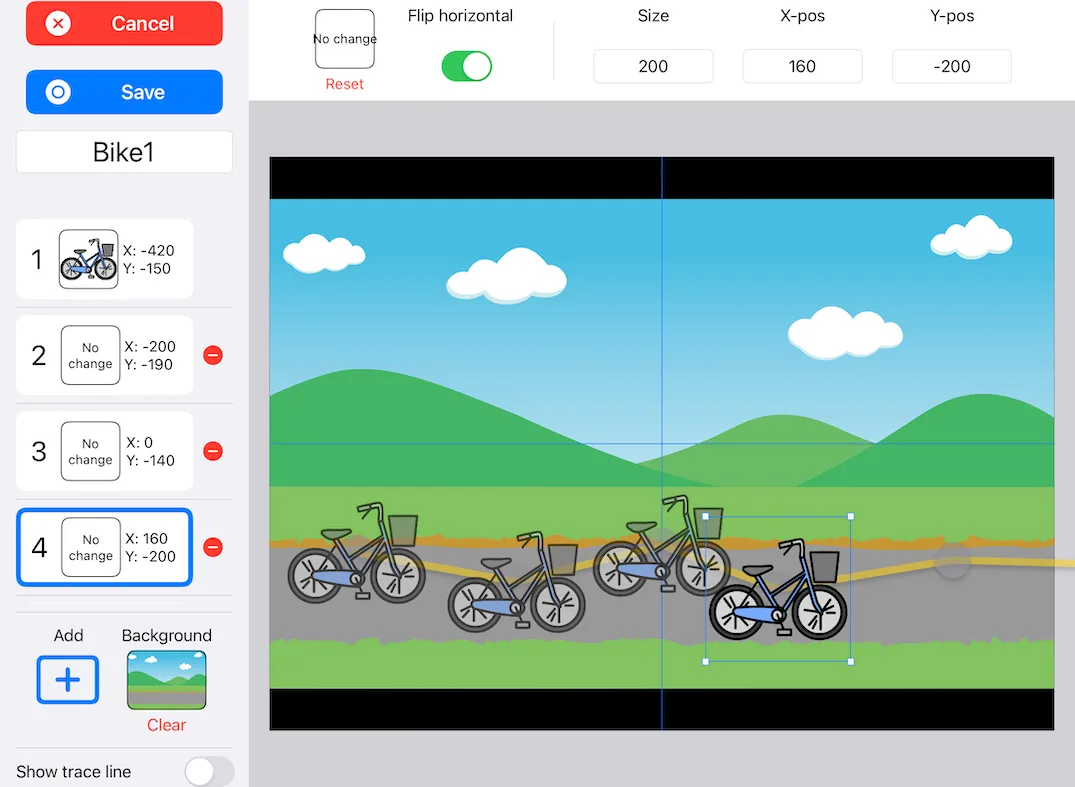
- Tap the Add (+) button to add waypoints.
- Drag the illustration to set its position, or enter coordinates directly.
- You can hide the yellow path lines.
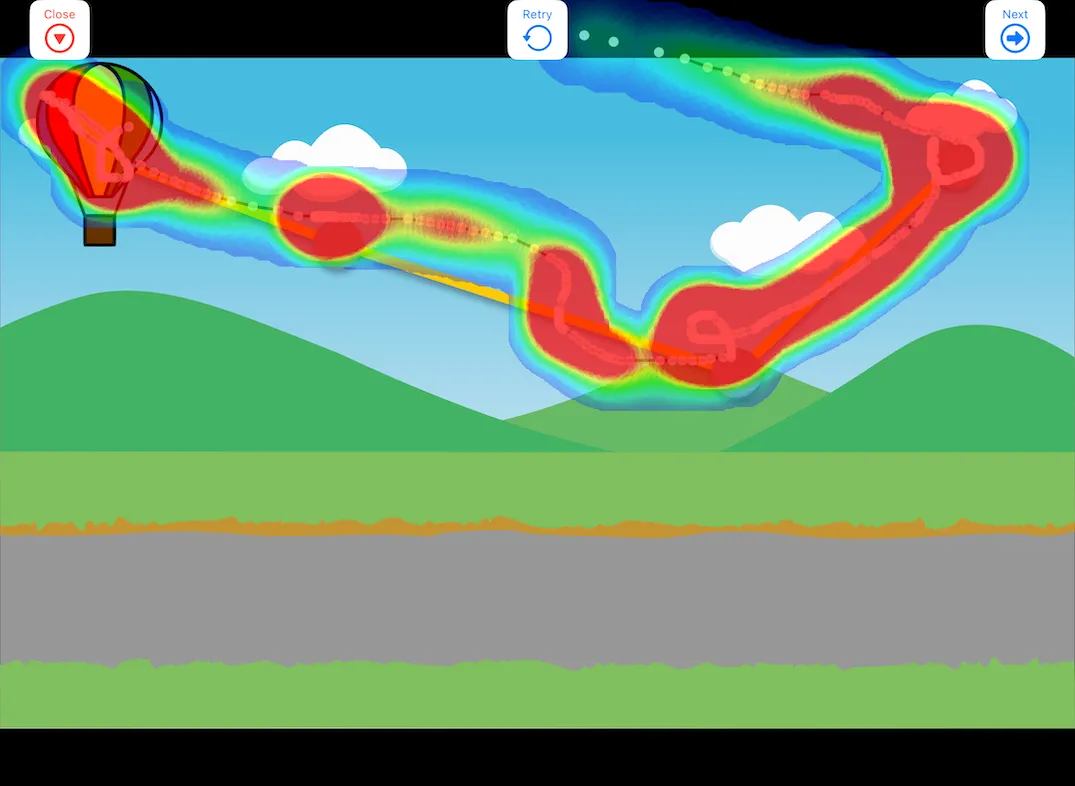
Heatmap
Section titled “Heatmap”After playing with a pointer, you can view a heatmap showing where the pointer moved.