
Touch Operation
Touch Operation detects screen touch in three modes. Multiple modes can be enabled at the same time.
Play when screen is touched
Section titled “Play when screen is touched”Triggers when a finger contacts the screen.
| Setting | Description |
|---|---|
| On/Off | Enable or disable touch-down detection |
| Hold Duration | Time from touch contact to recognition as a valid touch |
| Ignore Repetition | Duration within which multiple touches are counted as one |
Play when hand is removed from screen
Section titled “Play when hand is removed from screen”Triggers when a finger lifts off the screen. On/Off only.
Play when moving hand while touching the screen
Section titled “Play when moving hand while touching the screen”Triggers when the hand moves across the screen while touching. Choose one of two modes based on the movement style.
Optimized for fidgety movements
Section titled “Optimized for fidgety movements”Accumulates the total movement amount on screen and triggers when a set level is reached.
Best for delicate movements or when the range of motion is limited.
Optimized for swipe-like movements
Section titled “Optimized for swipe-like movements”Measures the travel distance of the hand on screen and triggers when a set level is reached.
Best for large, quick movements.
Sensitivity Adjustment Screen
Section titled “Sensitivity Adjustment Screen”When [Play when moving hand while touching the screen] is enabled, tap the [Adjustment] button on the play screen to open the sensitivity screen.
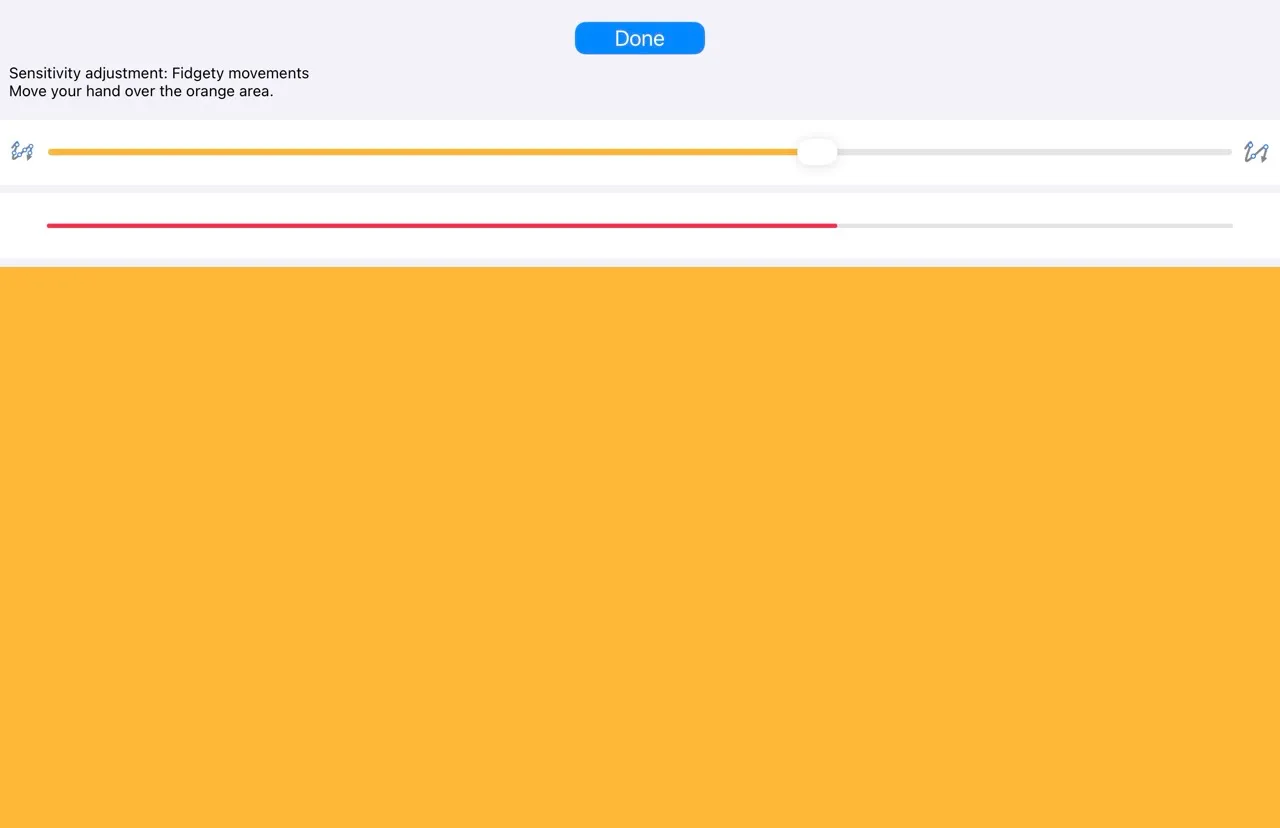
Move your hand over the orange area to test and adjust the sensitivity level.